Free · Open Source · No Account Needed

Listen to the
whole web,
distraction-free.

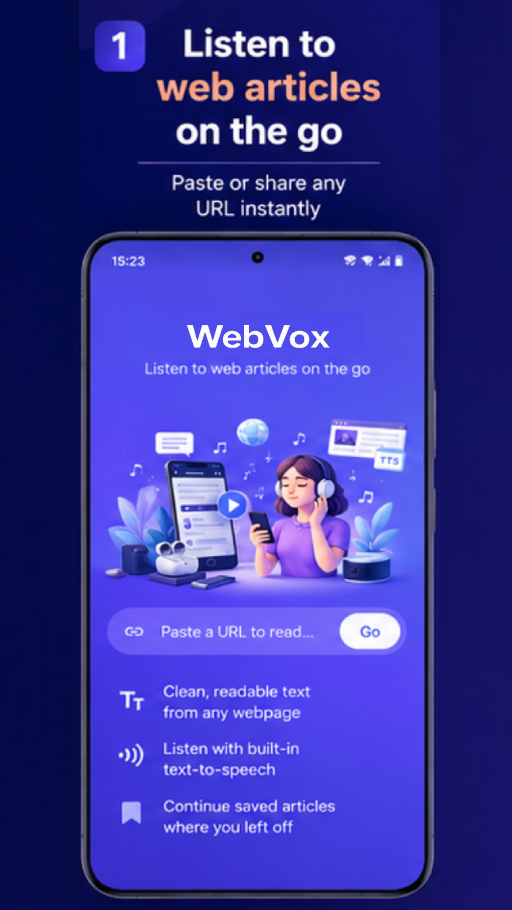
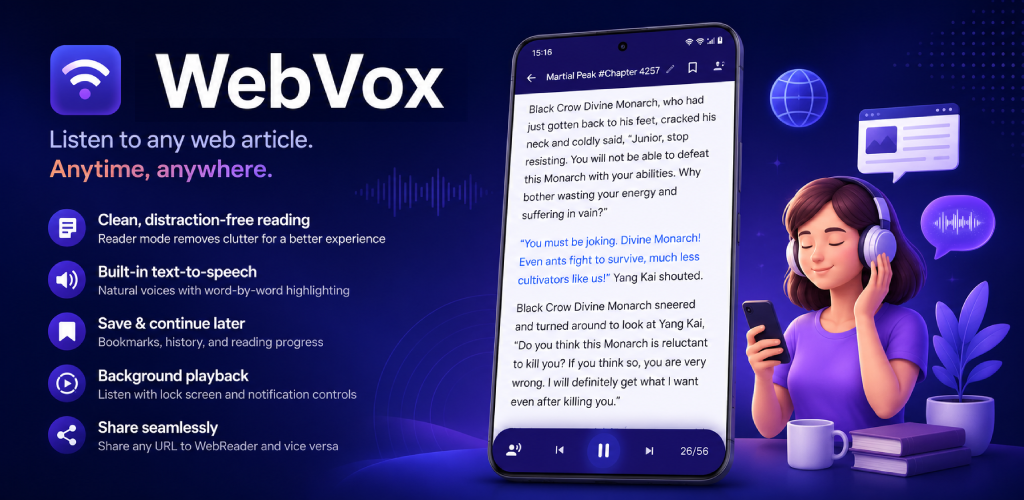
WebVox transforms cluttered websites into beautiful reader mode pages and reads them aloud using Android's built-in text-to-speech engine. Paste a URL or share directly from your browser to instantly start listening.
Download on Google Play See Features
WebVox app screenshot
🎧
Now Reading Martial Peak · Chapter 4257
Reader Mode Active Ads removed · Clean view
🔖
Saved to Bookmarks Resume anytime
0
% Free & Open Source
0
Ads or Trackers
0
Feature Categories
0
Click to Start Listening
Share a URL to WebVox

Paste a URL.
Done.

Share any article, blog post, or webpage directly from your browser. WebVox strips away the noise and gives you the pure content immediately.

One-tap share from any browser
Direct URL paste support
Auto content extraction
Clean reader mode

Clean,
distraction-free
reading.

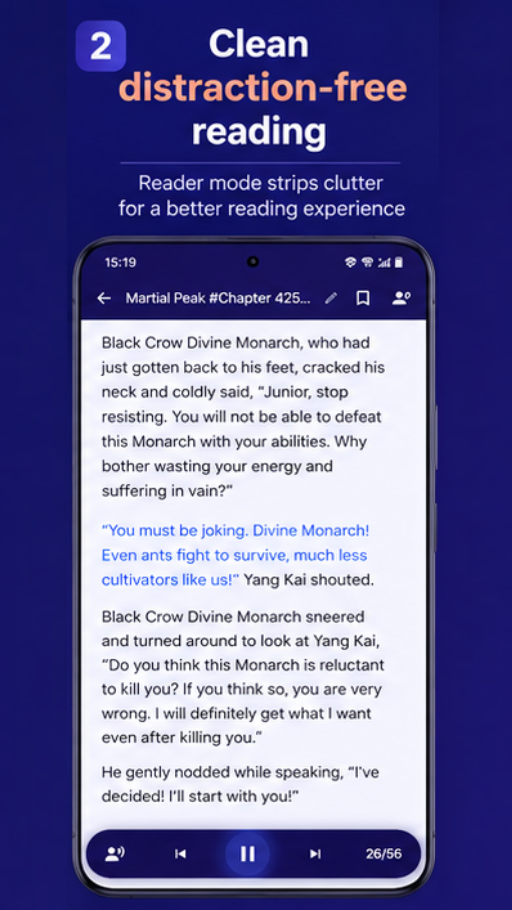
Removes ads, popups, sidebars, and visual clutter automatically. Optimized typography makes every article a pleasure to read or listen to.

Ad & popup removal
Auto article extraction
Comfortable typography
Text-to-speech playback

Listen with
word-by-word
highlighting.

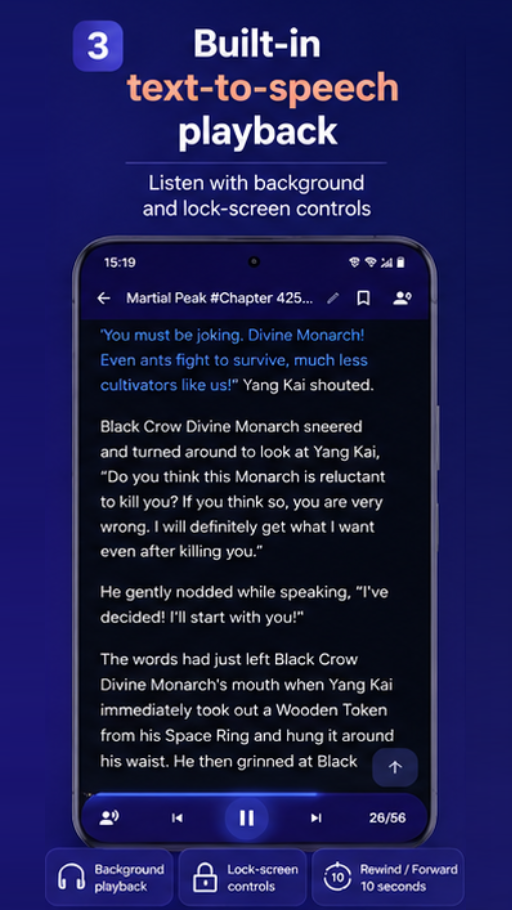
Powered by Android's built-in TTS engine. Follow along word-by-word with real-time highlighting. Adjust speed, pitch, voice, and language to your preference.

Word-by-word highlight
Adjustable speed & pitch
Multiple voices & languages
Beautiful themes

Keep listening.
Screen off.

Continue listening with your screen off. Lock-screen and notification controls keep you in command. Full Bluetooth and headset media button support.

Background audio
Lock-screen controls
Bluetooth & headset support
Save articles

Bookmark &
resume
later.

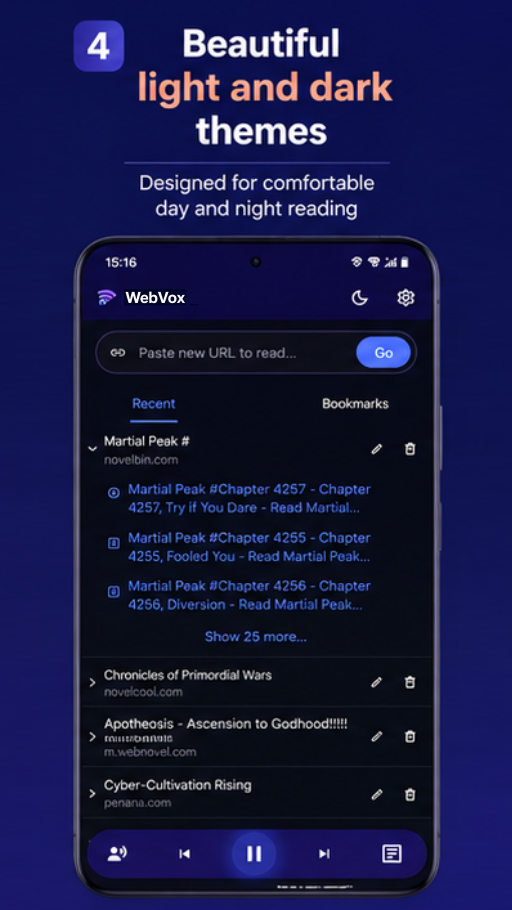
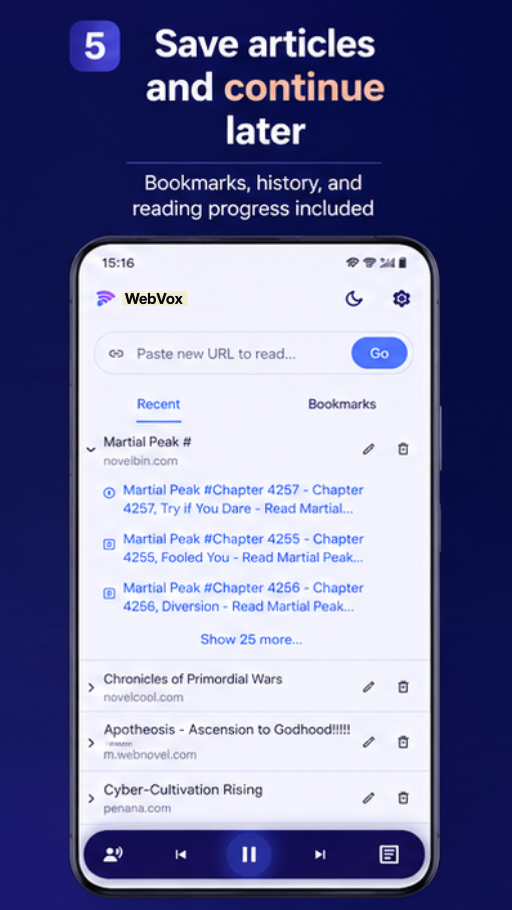
Bookmark articles for later and pick up exactly where you left off. Full reading history with resume support so you never lose your place.

Bookmark articles
Reading history
Resume from last position

Packed with powerful features

Every feature designed for a calmer, smarter reading experience.

🔇
Clean Reader Mode
Strips ads, popups, and sidebars. Pure article content every time.
🔊
Text-to-Speech
Android system TTS with word-by-word highlighting and full control.
🎧
Background Playback
Listen with screen off, notification controls, and Bluetooth support.
📖
Smart Navigation
Previous & next articles, auto-play, and auto-next for seamless sessions.
🔖
Bookmarks & History
Save articles, track reading progress, and revisit past pages instantly.
📤
Share Integration
Share into WebVox from any browser. Share articles back out to other apps.
⚙️
Voice Customization
Adjust speed, pitch, voice, and language to exactly how you like it.
Article Caching
Background caching so your next article loads faster before you need it.
🌙
Light & Dark Themes
Comfortable reading day or night with beautifully designed themes.

How it works

1
Share or Paste
Share a URL from your browser or paste it directly into WebVox.
2
Reader Mode
WebVox strips clutter and presents a clean, readable version of the page.
3
Press Play
Tap play and listen. Follow along with word-by-word highlighting.
4
Keep Going
Screen off, earbuds in. WebVox keeps playing in the background.

Your reading is yours.

WebVox is built for people who value privacy. No account, no subscriptions, no unnecessary tracking. Just a clean reading experience.

🔒
No Account Required Works offline, completely local
🚫
No Subscriptions Free forever, always
👁️
No Tracking Zero unnecessary data collection
🛠️
Open Source Transparent, auditable code

Read the web.
Calmer. Cleaner.
Louder.

WebVox is designed to make reading on the web calmer, cleaner, and easier to listen to. Download free on Android today.

Get it on Google Play